
P Cunningham
12 min read
21 Jul 2026
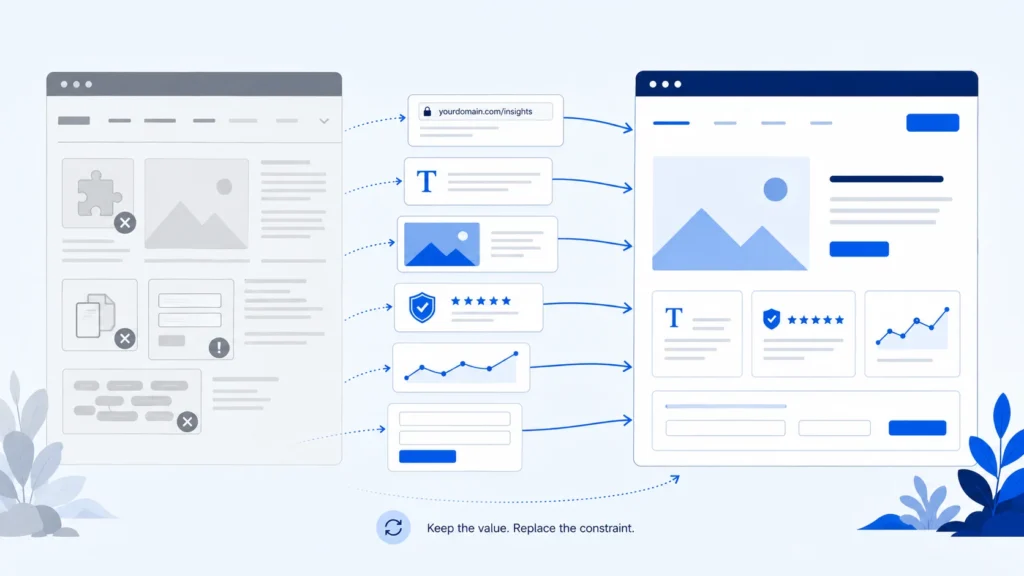
Sometimes, the right course of action is to renovate a website rather than tear it down and start again.
In many cases new foundations can be built, without everything valuable being thrown away. Here is how to decide what should be repaired, redesigned, rebuilt or carried forward.
Your website is underperforming. It may look tired, feel slow, frustrate the people updating it or bring in fewer useful enquiries than it should. The tempting response is to throw it away and start again.
That is rarely the best starting point.
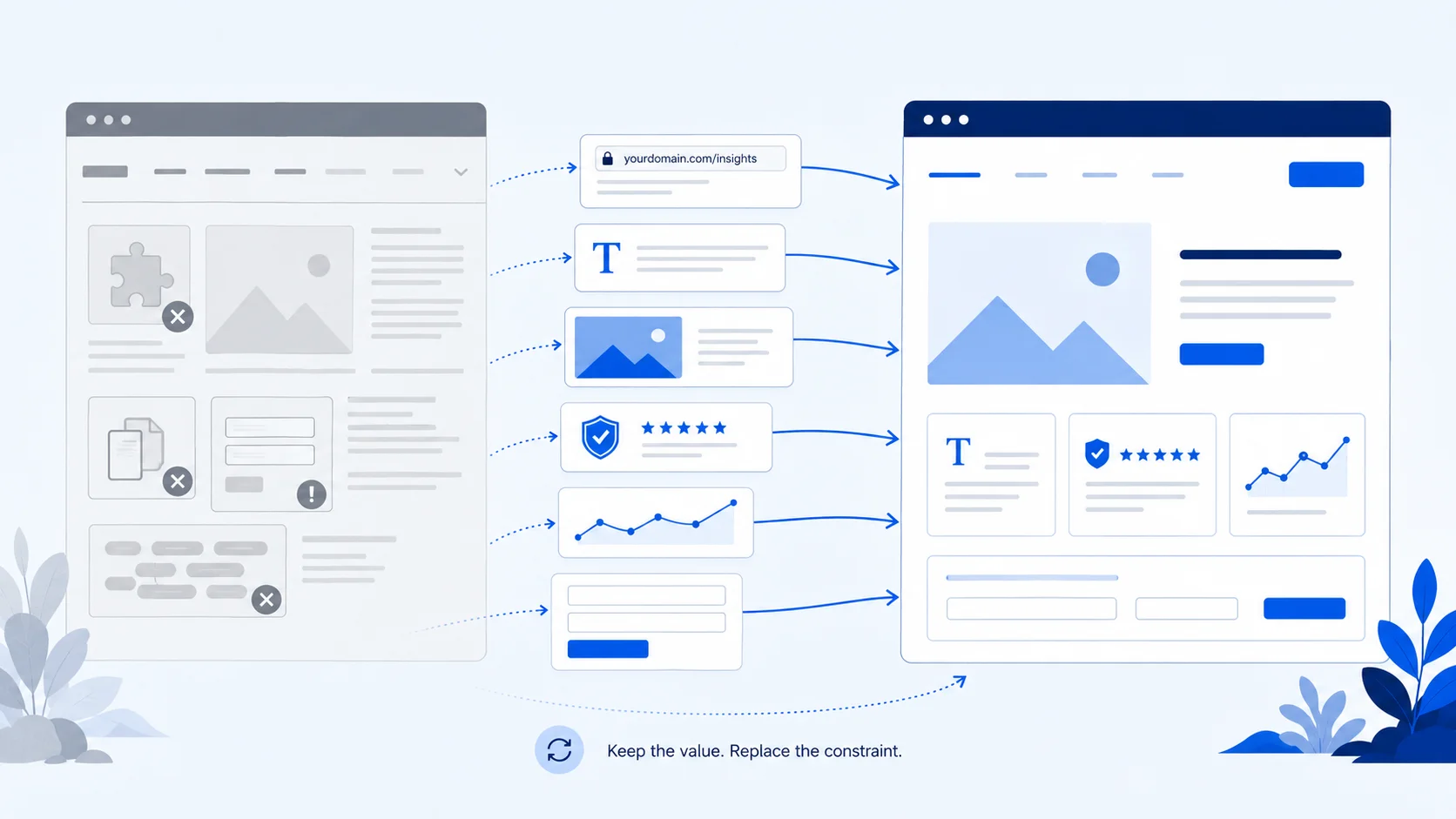
Replacing the technical foundations does not mean discarding the URLs, content, imagery, proof, tracking or enquiry routes that already carry business value.
The right decision may be a targeted repair, a visual or user experience (UX) redesign, a technical rebuild, a hybrid of the two, or no major project yet. The label matters less than identifying the real problem and agreeing exactly what should change, what should stay and why.
People often use redesign and rebuild to describe the same website project. Agencies use the terms differently too, so do not make a decision from the project name alone. Ask what work is actually included.
A redesign usually changes the visible experience: the layout, navigation, messaging, visual identity and the routes people take through the site. The existing content management system, codebase or underlying setup may remain largely intact.
A rebuild replaces or substantially restructures those foundations. That might mean a new theme, cleaner code, fewer dependencies, a different content structure or a move to a more suitable platform. The website can look different as well, but the technical change is what makes it a rebuild.
A hybrid keeps sound parts of the existing website and replaces the parts creating the constraint. That is often more sensible than treating every component as equally good or equally broken.
If you are planning a genuinely new website rather than improving an existing one, the questions are different. My website design approach explains that route.
A site that looks dated may still have a sound structure and reliable technology. A site that looks polished may be difficult to maintain, slow on mobile or quietly losing enquiries through a broken form. Appearance alone cannot tell you the right scope.
Before asking for a redesign or rebuild, look at five areas:
The purpose is to separate symptoms from causes. “The site looks old” is a symptom. The cause might be a tired visual layer, an inflexible page builder, weak messaging, accumulated content clutter or a combination of all four.
Choose focused work when the problem is local and the foundation is sound. That could mean improving a key page, simplifying navigation, replacing outdated images, repairing a form, correcting mobile layout problems or removing a specific performance bottleneck.
A repair is not a lesser answer. It is the right answer when it solves the problem you have actually found without creating unnecessary cost, disruption or risk.
A redesign may be enough when the site is technically dependable but its presentation or customer journey no longer fits the business. Typical reasons include a changed offer, unclear navigation, weak calls to action, inconsistent branding or page layouts that make useful content difficult to scan.
The key test is whether the existing system can support the new experience cleanly. If every design improvement requires another workaround, the problem may sit deeper than the visual layer.
A rebuild becomes more likely when the foundations are the constraint: the site is fragile, hard to update, dependent on unsupported components, unable to support required functionality or burdened by code and plugins that make ordinary changes risky.
Rebuilding should solve a defined technical or structural problem. The age of a website, by itself, is not a diagnosis.
A hybrid project might replace the front end while retaining a suitable content system, move useful content into a cleaner build, or rebuild the technical layer while preserving the page structure customers and search engines already understand.
This approach requires a careful inventory. “Keep everything” preserves clutter; “replace everything” discards value. Each item needs a reason.
Sometimes the evidence does not justify a major project. If the site is stable, supports the business and has no clear customer or operational problem, it may be better to monitor it, make modest improvements and invest elsewhere.
Waiting is different from ignoring known failures. It is a deliberate decision based on priorities rather than pressure to make the site look new.
Before design or development begins, decide what has earned its place. A rebuild can replace the machinery while preserving the pages, assets and working systems that already contribute value.
Start with an inventory of the current pages. Some URLs may support search engine optimisation (SEO), attract relevant visits, hold useful inbound links, appear in customer bookmarks or feature in printed materials and email campaigns. Others may simply give customers a familiar route to an important service.
Keep a valuable URL where it still makes sense. If a URL has to change, record its replacement and make sure visitors and search engines are sent to the closest relevant page. Do not redirect every retired page to the homepage and call the job complete.
Also check navigation links, buttons, downloads and links within the copy. A redirect plan does not excuse leaving the new site full of avoidable old links.
Existing copy should be assessed, not blindly copied across or automatically rewritten. Keep material that answers a real customer question, explains the offer clearly, supports an enquiry or provides evidence that would be difficult to recreate.
Rewrite content that is accurate but unclear. Consolidate pages that compete with each other or repeat the same point. Retire content that is outdated, unsupported or no longer connected to the business.
Preserving value does not mean preserving every sentence. It means retaining the substance that still performs a useful job.
Original photography, diagrams, product or project images, useful downloads and approved brand assets can be expensive or impossible to recreate. Record where the original files live, who owns them, whether permission still applies and where they are used.
The same applies to testimonials, accreditations, reviews, case-study evidence and other proof. Keep only material that is accurate, attributable and still approved for use. A new design should not turn an old, qualified statement into a broader claim.
Do not forget image descriptions, captions and document links where they help people understand the content.
A page is more than its visible heading and copy. Titles and descriptions may already communicate the right subject. Structured information may help systems interpret the business, services or frequently asked questions. Internal links show which pages are related and which commercial destinations matter.
Audit these elements before launch. Preserve what remains correct, update what has genuinely changed and remove markup that no longer matches the visible page. When content moves or several pages become one, rebuild the internal links deliberately rather than relying only on redirects.
A website can appear to survive a rebuild while losing the measurement that tells the business whether it works.
Record the existing analytics property, tag manager, consent setup, advertising tags and conversion events. Note which actions matter: a submitted enquiry form, a booked call, a completed purchase, a phone-number click or another meaningful step.
Decide what should continue, what needs correcting and who will test it. Keep access to the existing accounts so pre-launch and post-launch behaviour can be compared without pretending that two different tracking setups measure the same thing.
A form is more than what appears on the new page. Preserving it means checking its fields, consent wording, hidden values, spam protection, confirmation message, notification recipients and destination system.
List every working enquiry route and what happens after submission. Include booking tools, payment providers, customer relationship systems, email platforms, downloads and any automation triggered in the background.
Test the complete journey with realistic data before launch. Confirm that the right person receives the right information, the visitor gets an appropriate response and no old staging address or former supplier remains in the routing.
A rebuild is a good time to establish who controls the website and everything it depends on.
Record access and ownership for the domain, DNS, hosting, content management system, analytics, search tools, email delivery, licences, fonts, stock assets and source design files. The business should know which accounts it owns, which services are supplied by a provider and what would be needed if that relationship ended.
Do not wait until launch day to discover that an old developer controls the domain or that a critical image licence cannot be transferred.
Finally, preserve the path that turns interest into action. That includes the useful page, the internal link or call to action, the form or booking tool, the confirmation, the notification and the follow-up destination.
A faster, cleaner website is still a poor rebuild if customers can no longer complete the task the site exists to support.
Use this quick guide to match the problem you are seeing with the most sensible starting point. The final decision still depends on whether the issue is isolated, visual, structural or technical.
| What is going wrong? | Best starting point | Question to answer first |
|---|---|---|
| One page, form or mobile layout is failing | Targeted repair | Is the problem genuinely isolated? |
| The website works, but its message, appearance or customer journey is weak | Redesign | Can the current system support the improved layouts cleanly? |
| The CMS, code or dependencies prevent safe improvement | Rebuild | What has earned its place, and what needs new foundations? |
| The experience and the technical foundations both need work | Redesign and rebuild | Have the visual and technical scopes been defined separately? |
| One part of the website is sound and another is not | Hybrid approach | Can the retained part remain without awkward workarounds? |
| The website is stable and there is no clear reason for major work | Wait and monitor | What would trigger a future review? |
A useful proposal should answer these questions in plain English. If the recommendation is “start again” but nobody can explain what the current site already does well, the discovery work is not finished.
There is no reliable calendar rule. Review the website when the business, customer journey or technology changes, or when evidence shows that an important route is failing. A site that still supports its users and business goals does not need rebuilding merely because it has reached a particular age.
It can. Changing URLs, useful content, internal links, metadata or the way pages are rendered can change how the site is understood and reached.
That is why the current site should be inventoried before work begins and checked again after launch. Preservation reduces avoidable risk; it does not justify a promise that rankings will remain unchanged or improve.
The honest answer depends on what the site actually needs. Repairing one route is different from redesigning the customer experience, replacing the technical foundation and migrating several integrations.
Ask for the work to be separated into clear components, with assumptions and responsibilities stated, rather than accepting a figure based only on the word “redesign” or “rebuild”.
You do not need to know the technical answer before speaking to a web professional. You do need a clear explanation of the problem, the proposed scope and what will be protected.
My website redesign work begins by identifying what has earned its place, what is holding the current site back and what the business needs next. The aim is not to replace everything. It is to harvest the value already built and rebuild only what hasn’t.
A grant-aided £15,000 website, delivered through a chain of funded experts, scored 4/10 in my audit. The damage was invisible
A practical account of the changes that moved a WooCommerce catalogue’s mobile performance score from 68 to a stable 90.